Welcome to Leadsx1B! This step-by-step onboarding walkthrough gets your outbound revenue engine up and running in under 15 minutes without writing a single line of code.
1. Creating Your First Extraction Task
From your Leadsx1B dashboard, navigate to "New Search". Enter your target industry (e.g., "Roofing Contractors" or "Digital Marketing Agencies") and select your geographic market.
2. Enabling AI Enrichment and WhatsApp Verification
Turn on "Verify WhatsApp" and "Scrape Company Email". Leadsx1B scans the business site and live phone carriers to ensure each prospect is directly reachable.
3. Launching Your Outreach via Built-in WhatsApp & CRM
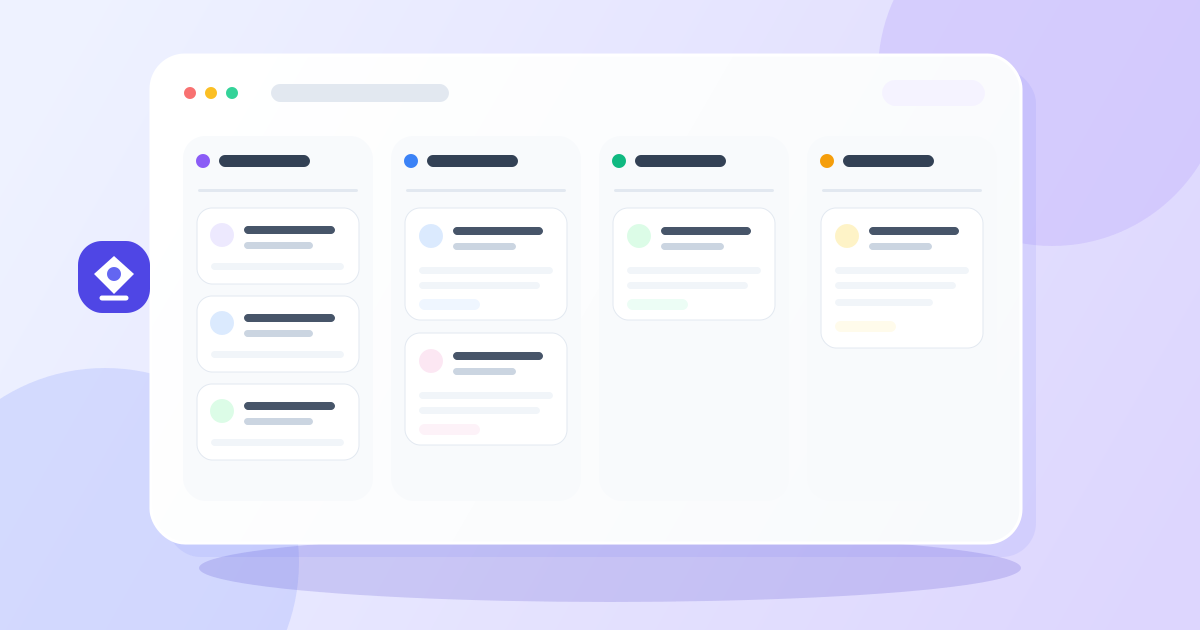
Move qualified leads to your Outreach column and trigger your personalized template sequence using {firstName} and {companyName} dynamic tags.